
For salespeople
Contacts, emails, notes and the calendar support your daily work. See who you need to contact and what was agreed last time.
Bring the companies you found in the database or your own contacts into one workflow. For every customer, see the sales stage, the agreements so far and the next step.
You can name the sales stages to match how you work. For example, your workflow might go like this:
Pick a company from the database or add your own contact. Check the background and set the next step.
Gather the emails, call notes and the customer's needs. Agree on the next contact.
Record the deal value and track the proposal. Put the follow-up in the calendar.
Keep the customer relationship and agreements in one place. Keep tracking activities and payments.
Bring prospects, deals in progress and existing customers into the same workspace. The sales stage, the owner and the agreed next step keep every opportunity moving in a clear direction.
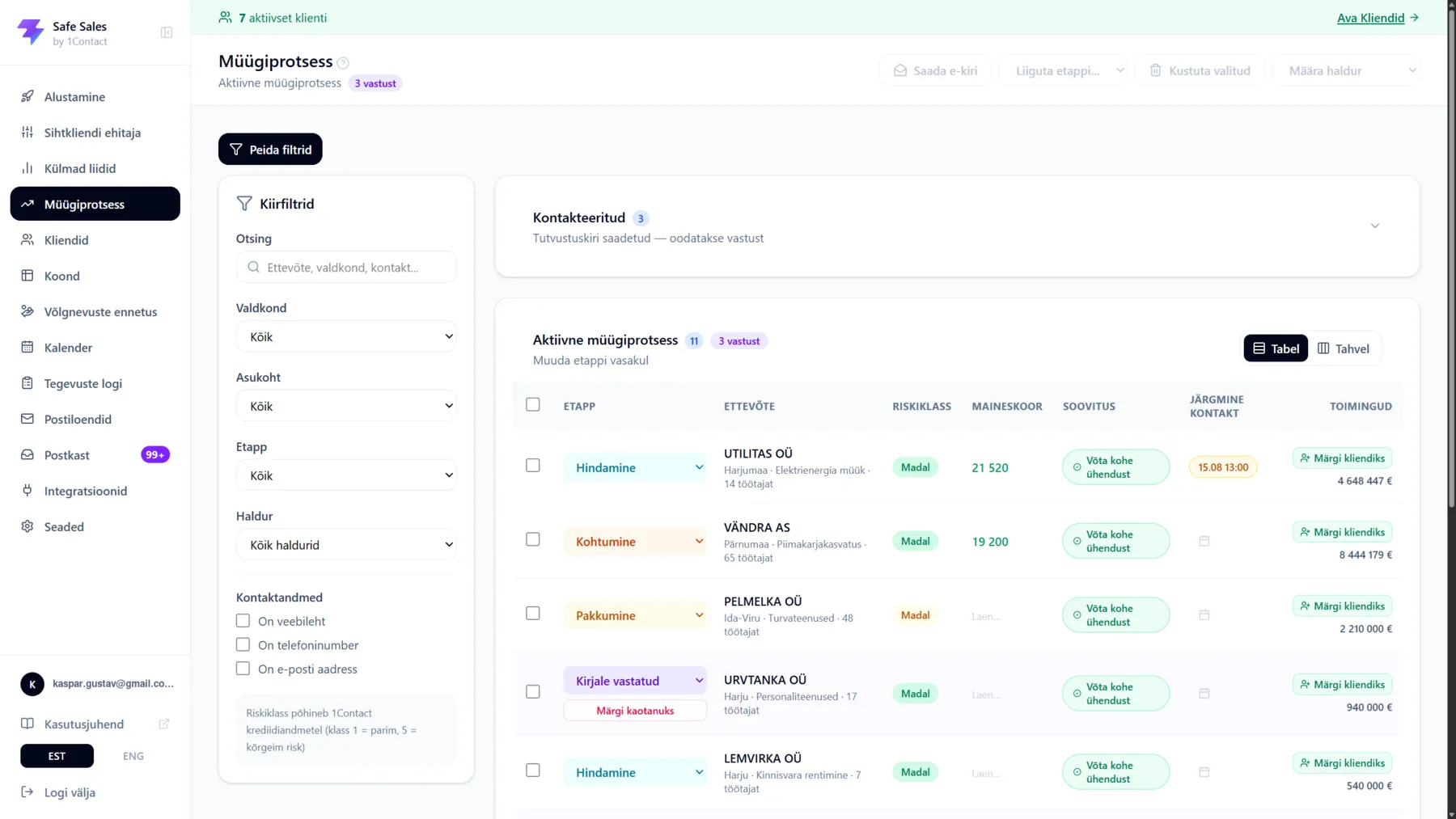
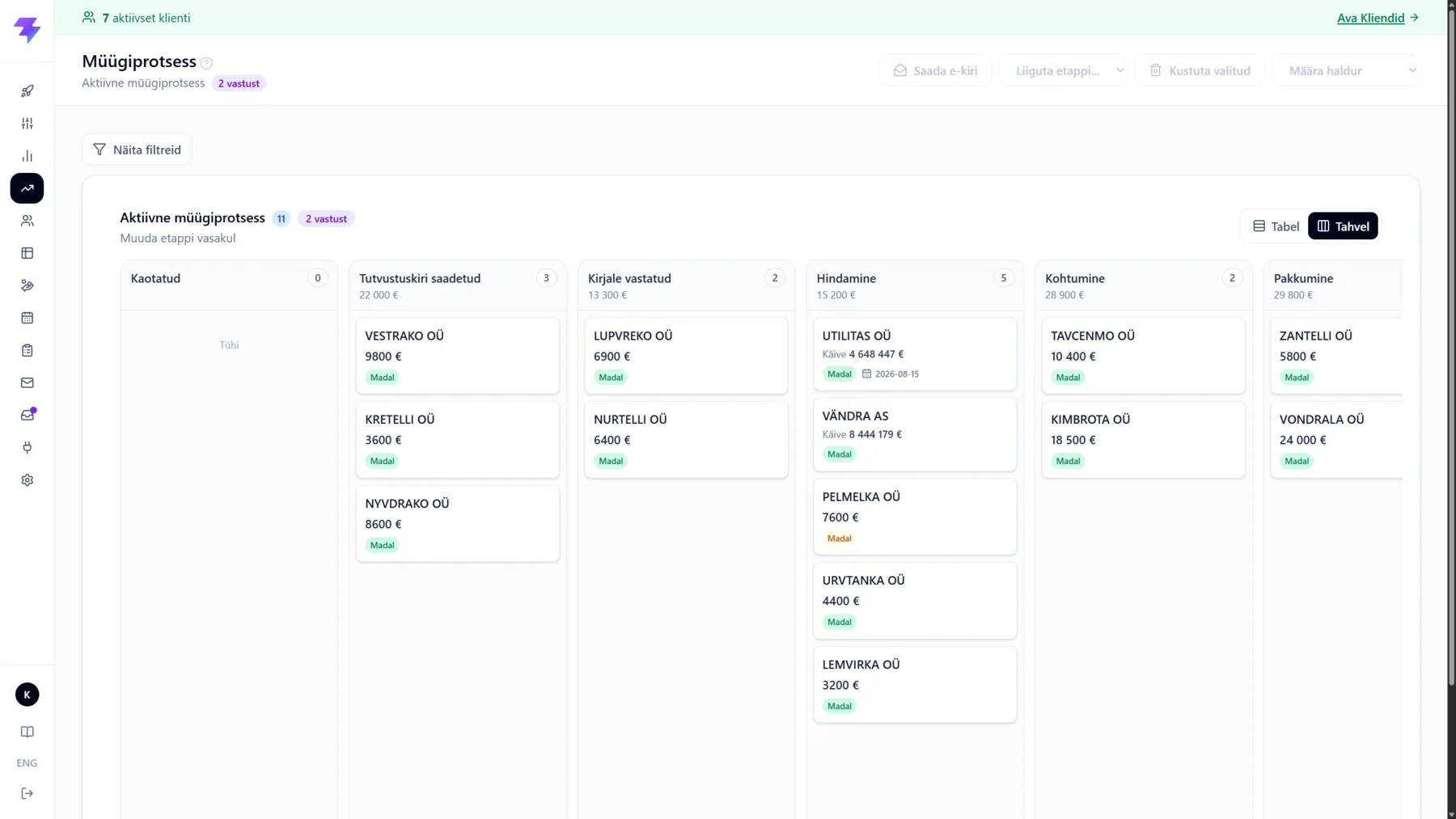
Cold leads, deals in progress and existing customers are one list, not three. Change the stage, deal value or next contact right in the cell, and add a note or log a call from the same row — without opening the company view.
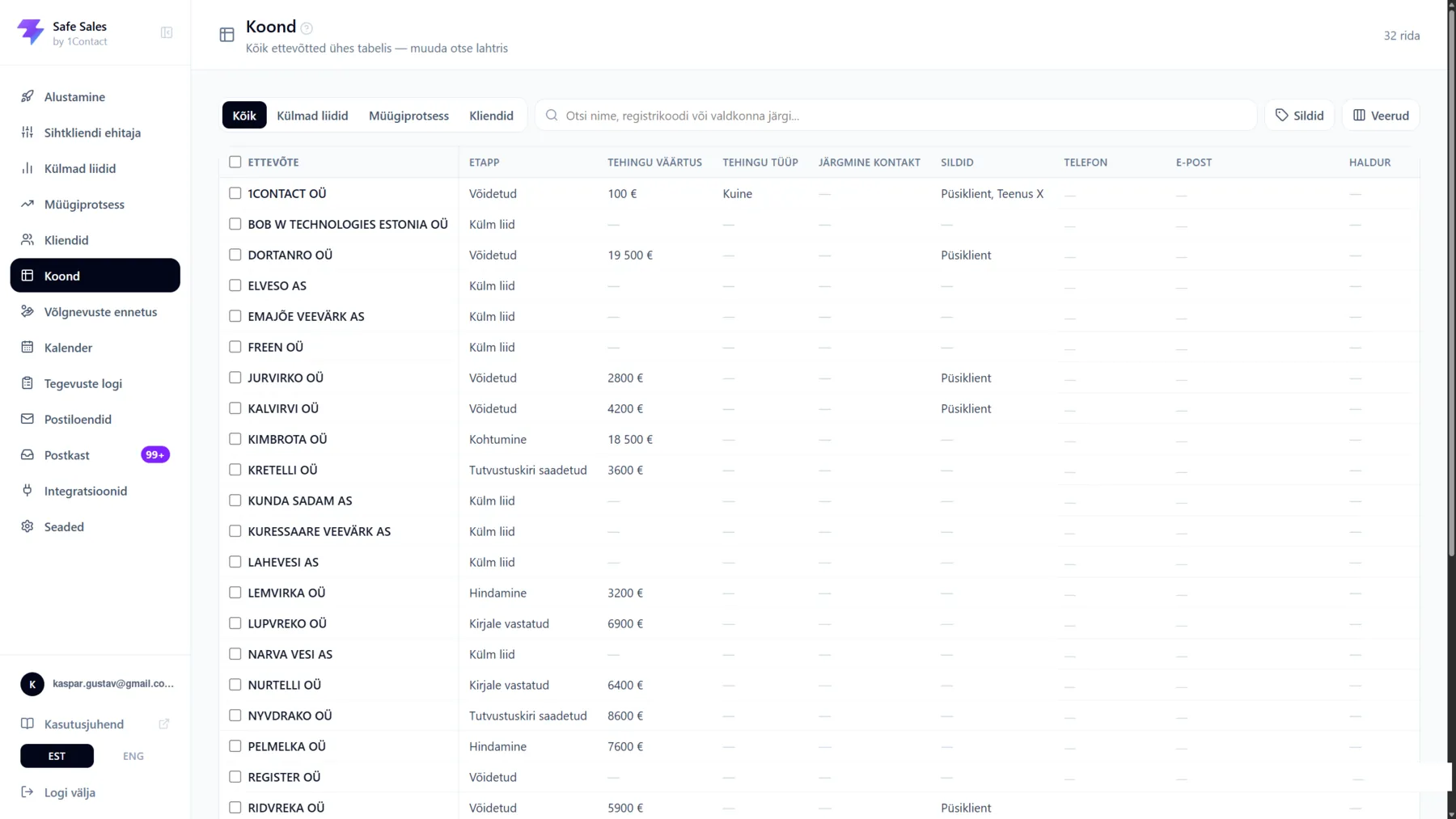
Existing customers, deal values and agreed follow-ups don't live in a separate spreadsheet, but where the sales work already happens.
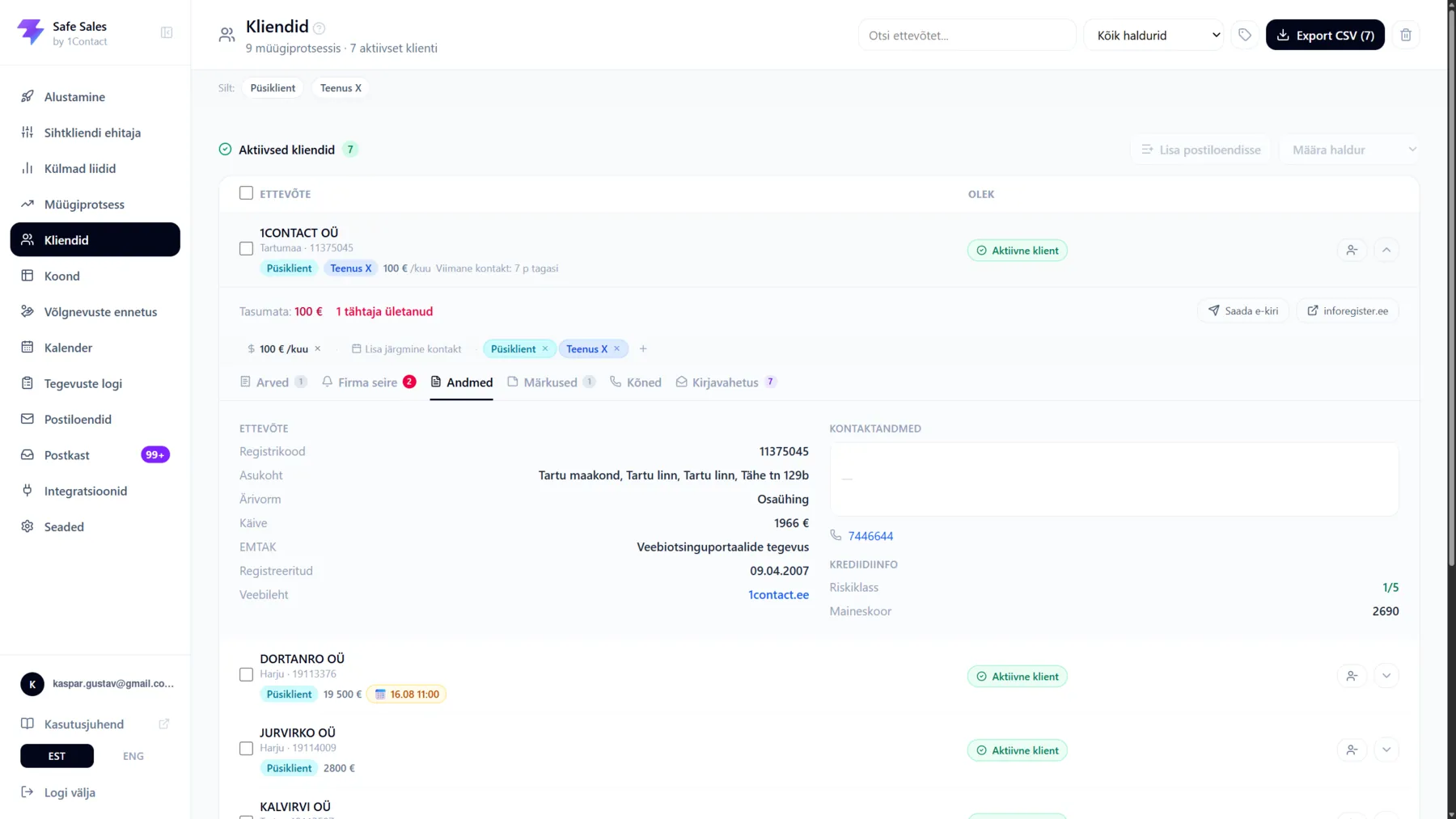
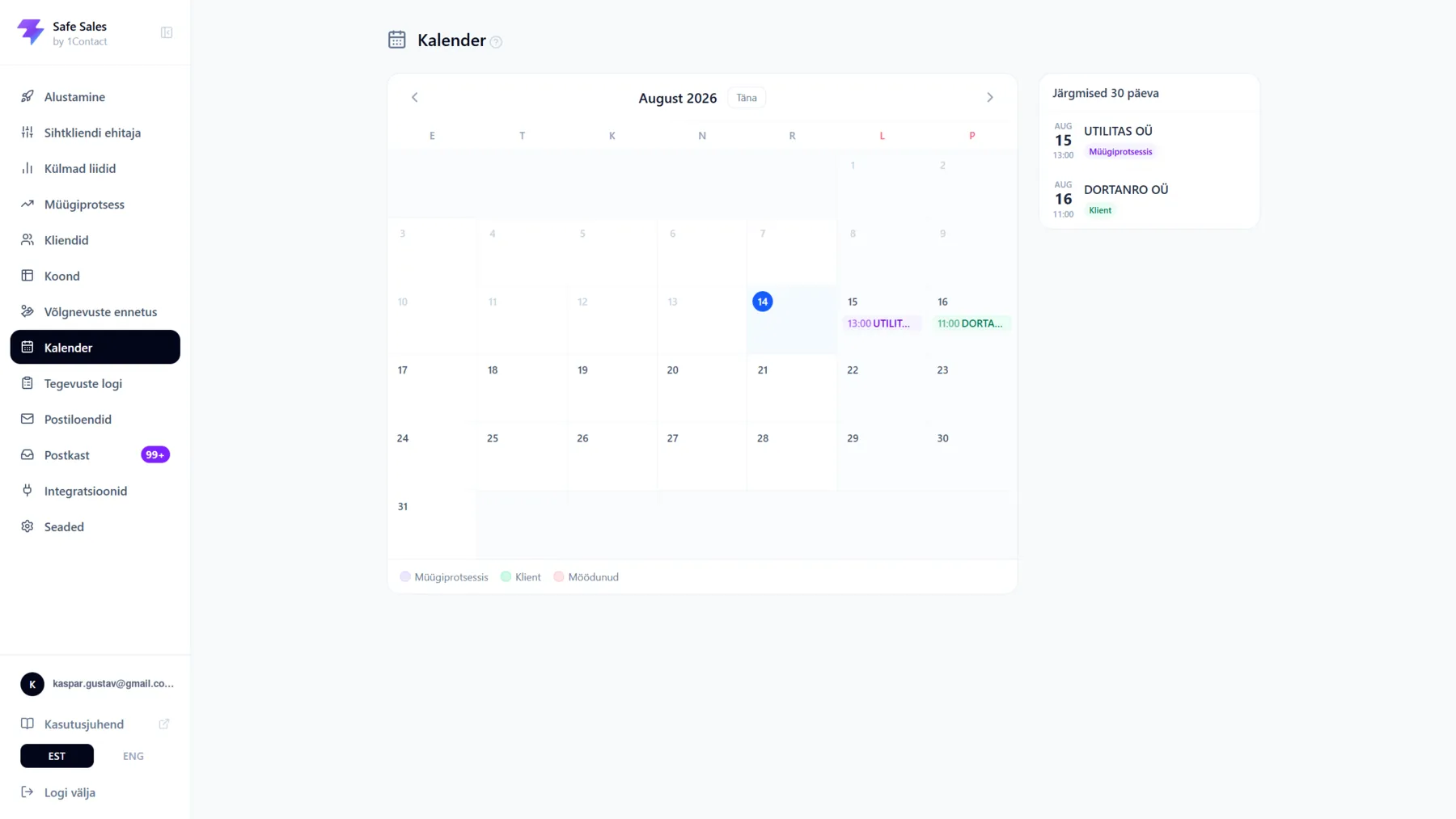
Use the CRM in your browser, check the customer's history before a call and save the agreements after a meeting. Recording the owner and the next step helps the team hand work over.
Contacts, emails, notes and the calendar support your daily work. See who you need to contact and what was agreed last time.
Sales stages, deal values and next steps help you assess where opportunities stand and discuss the next moves with your team.
No. You can use your own contacts in the CRM. If you need new target companies, you can add a suitable marketing list. Buying a list is separate from the CRM subscription.
Yes. Set up the stages to match your sales process, for example new contact, in conversation and proposal sent. Shared names help the team understand what each stage means.
Connecting your Microsoft 365 mailbox keeps sales communication next to the contacts. Email templates, AI drafts and automated follow-ups are covered on the email and automation page.
Compare the number of users, contact storage and sending needs on the pricing page. If you'd like to see the workflow before deciding, book a demo. Prices and volumes are still a draft in this preview.
Choose a plan that fits your team size, or let's go through your contacts, sales stages and next steps together in a demo.